App Store screenshot guides
Practical guides to App Store screenshots: current sizes and requirements, App Review rules, design that reads at search size, localization and ranking.
Start here
Sizes and specs
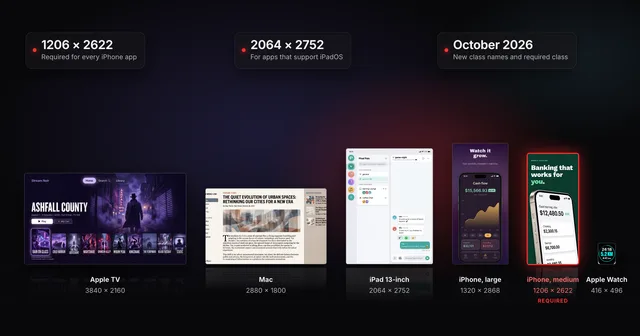 App Store screenshot sizes for every iPhone, iPad and Apple deviceApp Store screenshot sizes after Apple's October 2026 rename: required iPhone 1206 x 2622 or 1179 x 2556, iPad 13-inch, plus Mac, TV, Vision Pro and Watch.
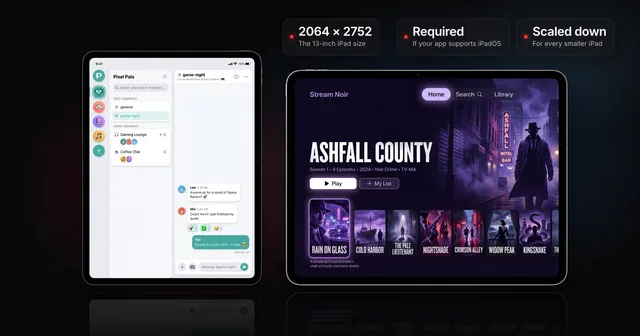 iPad App Store screenshot sizes (and when the 13-inch is required)Apple's iPad screenshot size is 2064 x 2752 or 2048 x 2732 (13-inch), needed if your app supports iPadOS. Every class, and how to clear the 13-inch prompt.
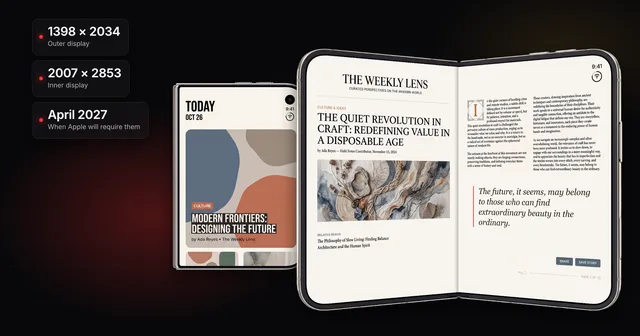 iPhone Duo App Store screenshots: sizes, deadline and badgeiPhone Duo screenshot sizes for the outer (1398 x 2034) and inner (2007 x 2853) displays, the April 2027 deadline, the badge, and how to upload them.
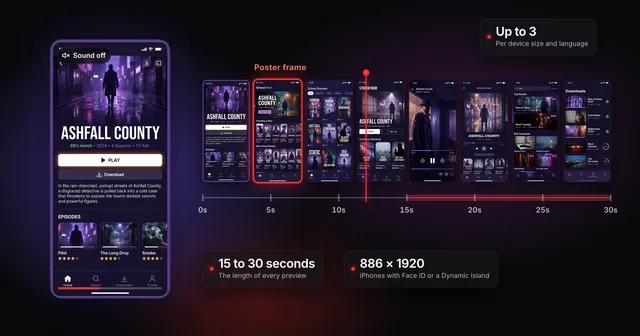 App Store app preview specs (and whether to make one first)Apple's app preview specs: 15 to 30 seconds, up to 500 MB, H.264 or ProRes 422 HQ, max 30 fps, 886 x 1920 for iPhone. Plus when a preview is worth it.
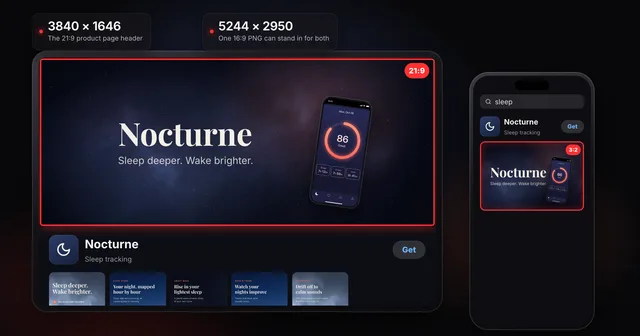 App Store product page header and search result assets: specsThe App Store product page header is 21:9 at 3840 x 1646 and the search results asset is 3:2. Universal PNG, video rules, Asset Library, guideline 2.3.14.
Rules and App Review
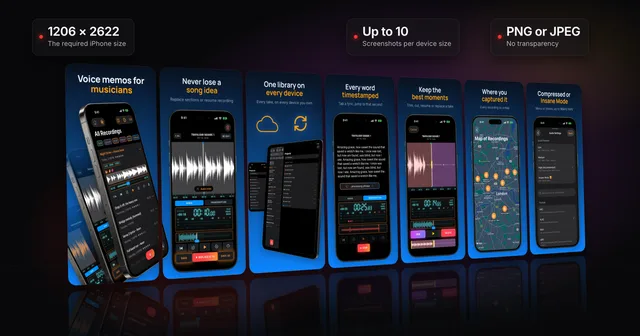
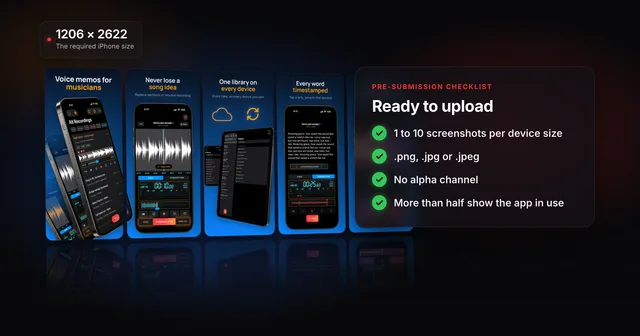 App Store screenshot requirements: the pre-submission checklistApp Store screenshot requirements as a checklist: 1 to 10 per device size, PNG or JPEG without alpha, the exact iPhone and iPad sizes and the 2.3.3 rule.
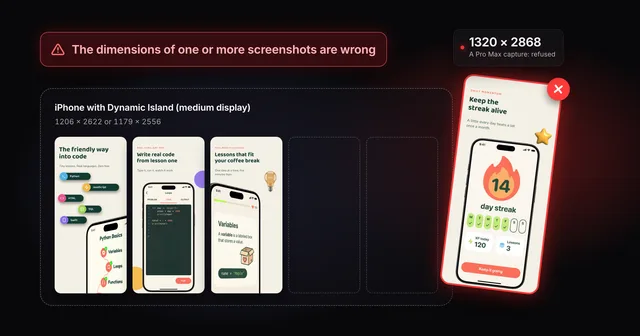 Fix "The dimensions of one or more screenshots are wrong"App Store Connect wants an exact pixel size for each slot. Check your file, then fix the cause: a pixel off, the wrong export scale or the wrong device.
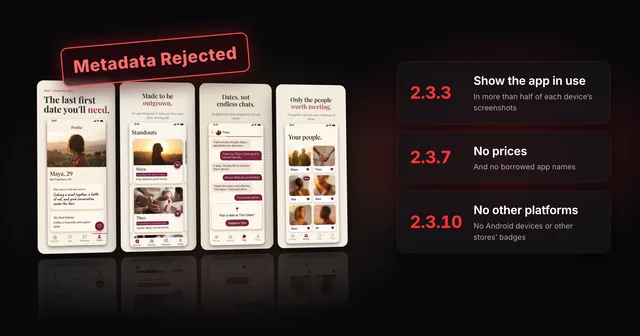 Why App Store screenshots get rejected (guideline 2.3 explained)Guideline 2.3.3 needs more than half of each device's screenshots to show your app in use. The other 2.3 rules, a checklist and how to fix a rejection.
Design and conversion
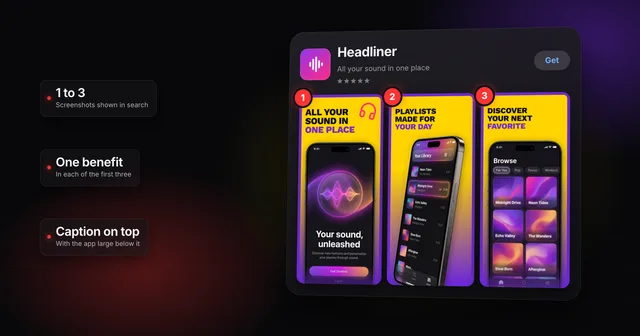 How to make App Store screenshots that actually convertHow to make App Store screenshots that convert: one benefit in each of the first three, captions for people and search, and a layout that stands out.
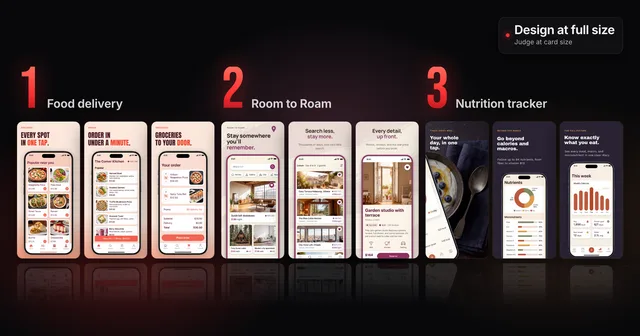 3 App Store screenshot design mistakes (and how to fix them)Three App Store screenshot design mistakes that look fine at full size and fail in search, with before and after captions and a card-size check to run.
Search and ranking
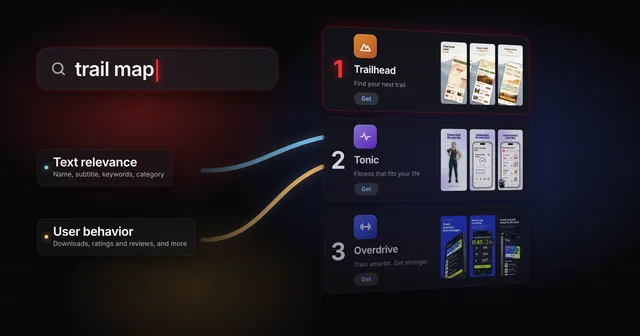 How App Store ranking works (it's not just keywords)App Store ranking from Apple's own docs and search paper: what your title, subtitle and keywords decide, what taps decide, and where a small app has room.
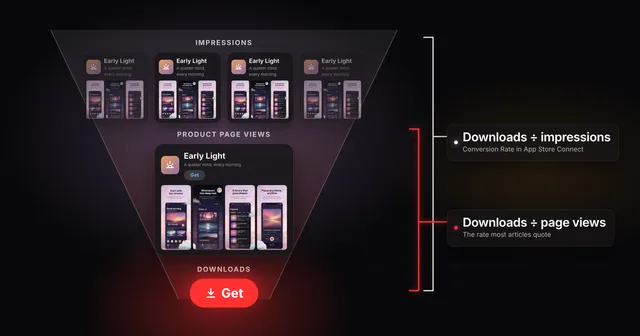 App Store conversion rate: two numbers, one nameApp Store Connect divides downloads by impressions, while most ASO articles divide by page views. Work out both rates and benchmark yours against peers.