App Store conversion rate: two numbers, one name

By Alistair CooperPublished October 27, 2026
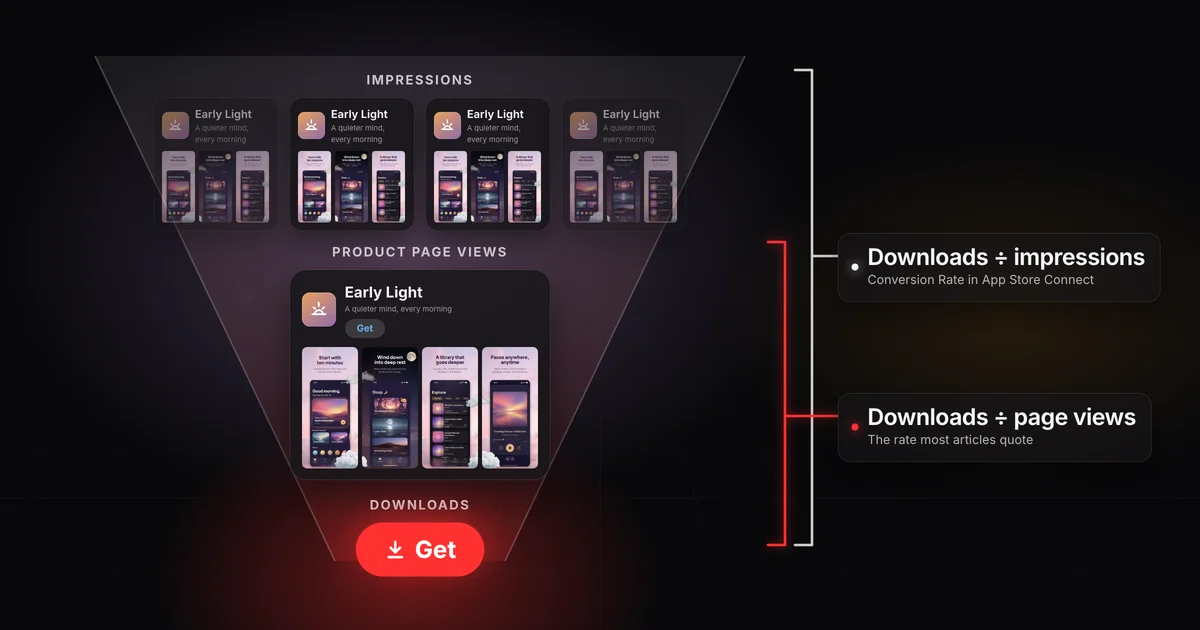
App Store Connect's Conversion Rate is total downloads and pre-orders divided by unique device impressions: every device that saw your app.
- The rate most ASO articles quote divides downloads by product page views instead.
- App Store Connect doesn't report that rate, and it's never the lower of the two.
- Compare your dashboard number with your App Store Connect peer group, not an article's page view figure.
On this page
- Two numbers, one name: what App Store conversion rate means
- How the two rates connect
- Why downloads can outnumber page views
- What's a normal App Store conversion rate?
- How to calculate both rates from App Store Connect
- Warm traffic versus cold traffic
- Race your own division: peer group benchmarks
- Find which stage leaks before you change anything
- Frequently asked questions
Your dashboard says one thing and the ASO articles say another.
App Store conversion rate is downloads divided by how many people saw your app. What counts as "saw" gives you two different numbers:
- App Store Connect's Conversion Rate divides total downloads and pre-orders by unique device impressions: every device that saw your app in the App Store.
- The rate most ASO articles quote divides downloads by product page views. App Store Connect doesn't report it.
Every product page view also counts as an impression, so the dashboard number is never the higher of the two. Both can be right about the same app in the same week, which is why yours can look low next to an article's "good" rate.
This page gives them separate names: the impression conversion rate (Apple's) and the page view conversion rate (the one most articles quote).
| Metric | Formula | Where it lives | Who quotes it |
|---|---|---|---|
| Impression conversion rate | Total downloads and pre-orders ÷ unique device impressions | Conversion Rate in App Store Connect's Analytics tab, including the Benchmarks page | Apple, and anyone reading their own dashboard |
| Page view conversion rate | Downloads ÷ product page views | Nowhere in App Store Connect: you work it out yourself | Most ASO articles and benchmark reports |
Apple's metric definitions define Conversion Rate as "Total downloads and pre-orders divided by unique device impressions." An impression is your app on screen for more than one second on the Today, Games, Apps or Search tabs, and product page views count as impressions too. Total downloads means first-time downloads plus redownloads. So the impression rate covers the whole trip, from a stranger scrolling past your icon to a tap on Get.
The page view conversion rate covers only the last step: downloads per product page view. That's the step your product page is judged on, which is why ASO writing leans on it.
Think of a shop on a busy street. The impression rate is buyers per person who walked past the window. The page view rate is buyers per person who came through the door. Same shop, same day, two different numbers, neither one wrong.
The step between them is the share of impressions that became a product page view. Call it tap-through:
tap-through                = product page views ÷ impressions
page view conversion rate  = downloads ÷ product page views
impression conversion rate = tap-through × page view conversion rate
The third line is the first two multiplied, with page views canceling out. So a low dashboard number can't tell you on its own whether people dropped off at the search result or on the page.
One week, two conversion rates (example)
Example
- Early Light
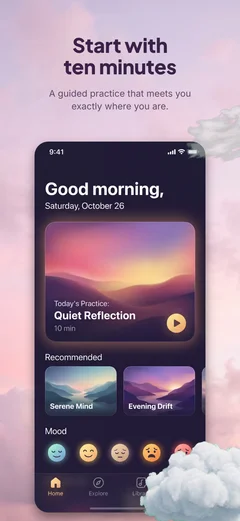
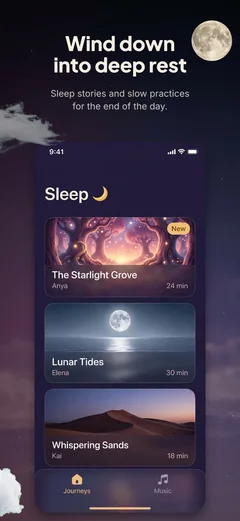

10,000
unique impressions
- Early LightGet
4,000
product page views
- Get
400
downloads
Impression conversion rate
400 ÷ 10,000 = 4%
Conversion Rate in App Store Connect
Page view conversion rate
400 ÷ 4,000 = 10%
The rate most articles quote
4% = 40% tap-through × 10% page view rate
A fictional habit tracker has a week with 10,000 unique impressions, 4,000 product page views and 400 downloads.
- Tap-through: 4,000 ÷ 10,000 = 40%
- Page view conversion rate: 400 ÷ 4,000 = 10%
- Impression conversion rate: 400 ÷ 10,000 = 4%, which is 40% × 10%
App Store Connect shows 4%. An article that benchmarks page views would call the same week 10%.
Tap-through isn't a pure tap rate: a visitor who follows a link or an ad lands on your page and counts as both an impression and a page view. For search and browse traffic, though, it's shaped by what people see before they tap. Apple's product page guidance says your subtitle appears below your name throughout the App Store, your summary rating shows in search results, and so do the first one to three screenshots when there's no app preview. The page view rate is shaped by the page itself.
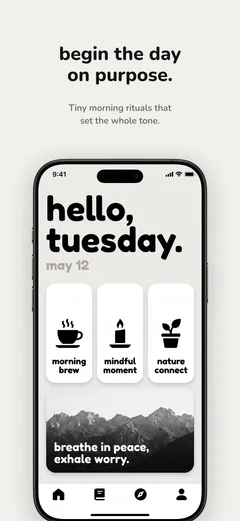
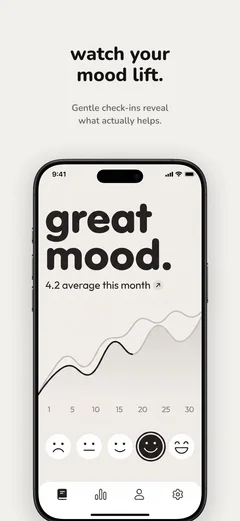
On the App Store, people can tap Get right in the search results, or in a list while browsing, without ever opening your page. Apple's analytics has a Page Type filter that labels those downloads App Page: a download from "neither an App Store product page nor a store sheet", with search results as Apple's example.
A download that never opens the product page
- 1
Someone taps the result, then Get on the page
One product page view and one download.
- 2
Someone else taps Get in the search results
One more download, and no page view.
Those downloads count in the numerator of the page view rate and add nothing to its denominator. For an app people search for by name, there can be enough of them that downloads outnumber page views, and the rate stops working as a share of visitors. Even below that point, some of those downloads never saw your page, so read the rate as a ratio, not a verdict.
AppTweak publishes both rates for the US App Store. AppTweak reports that the average conversion rate across all categories on the US App Store in 2025 was 8.56%, which it calculates as first-time downloads (App Units) divided by product page views.[1] In this page's terms, that's a page view conversion rate. AppTweak reports that the average install rate across all categories on the US App Store in 2025 was 3.8%, which it calculates as first-time downloads (App Units) divided by impressions and uses as a measure of how well an app stands out in search and browse results.[2] That one is closer to your dashboard number, but it isn't the same metric: AppTweak counts first-time downloads only, Apple counts first-time downloads, redownloads and pre-orders over unique devices, and AppTweak doesn't say whether its impressions are unique devices.
Three limits before you compare:
- They cover the US App Store only, in 2025.
- They're averages across categories that AppTweak itself says vary widely, so an all-category average is nobody's normal.
- The article doesn't give its sample, its data source or how it averages.
The useful part is the gap, not the decimals: the average page view rate sits well above the average impression rate, so a page view benchmark is the wrong yardstick for your dashboard. A better normal is your own peer group.
Apple's metric definitions have no page view conversion rate, but they give you the three counts to make one. In App Store Connect, open your app, click the Analytics tab, and pull these for the same dates and the same filters:
- Impressions (Unique Devices)
- Product Page Views (Unique Devices)
- Total Downloads
Use the unique-device versions of both: Apple divides by unique device impressions, and counting page views the same way keeps the two rates comparable. The overview tiles count every view, not every device, so they won't match. If the app took pre-orders in that range, add them to the downloads, because Apple's rate counts them. Apple shows App Store metrics only once the app has at least five first-time downloads or pre-orders.
- Impression conversion rate
- n/a
- What App Store Connect calls Conversion Rate
- Page view conversion rate
- n/a
- What most ASO articles quote
- Tap-through
- n/a
- Impressions that opened your page
Nothing you type leaves your browser.
A conversion rate measures who arrives as much as it measures your page.
Someone who types a well-known app's exact name into search has usually decided already. Someone scrolling a list of habit trackers has probably never heard of yours. Put the same page in front of both and the first is far more likely to download. Apple's source types separate search from browse and from referrals, but not a search for your name from a search for a category word, so warm and cold searches blend into one number.
Paid traffic from outside the App Store is the extreme case. Apple's acquisition help notes that an external ad campaign often sends people "straight to your app's product page." Each of them chose to tap an ad first, so a campaign can move the rate a long way while the product page stays exactly the same. That isn't advice to buy ads. It shows how much of the number is who shows up.
Two things follow. Comparing your rate with a household name's mostly compares your traffic with theirs, not your page. It also explains why some big brands seem to get away with stale screenshots.
App Store Connect has a fairer comparison built in. Peer group benchmarks compare your app with similar apps on the same metric as your dashboard: total downloads and pre-orders divided by unique device impressions.
How it works, per Apple's help:
- Open your app, click the Analytics tab, then Benchmarks in the sidebar.
- Each metric shows where you sit against the peer group's 25th, 50th and 75th percentile values.
- The default peer group is your primary category and business model, for the most recent week with data.
- Click the peer group name to switch to a subcategory or your secondary category, or choose All Categories to compare with apps in every category that share your business model.
- View Trends opens a chart of the last 26 weeks by default. There you can change the dates, narrow the peer group by download volume, and use Compare To to draw one percentile as a dotted line.
Apple adds noise to every value, holds back groups with too few apps, and calls benchmarks directional, not an exact ranking. If your group is too small to show a value, pick another.
Read the trend, not one week: at low download volumes, a handful of installs can move you from one band to the next with nothing changed on the page. And narrow the peer group to apps like yours, by category and download volume, before you call your number a problem. A small utility measured against every category is up against very different traffic, which is the brand comparison again with nicer charts.
Reading a peer group benchmark
Your app, week by weekThe trend50th percentile, drawn with Compare To
Stop racing the pros. Race your division.
Downloads pass through three stages, and each one has its own fix:
- Too few impressions is a reach problem: where you rank in search and whether you're featured. How App Store ranking works covers what moves it.
- Low tap-through is usually a search result problem: icon, name, subtitle, rating, and the first screenshots or preview.
- A low page view rate is a product page problem: the full screenshot set, the preview, the description and the reviews.
If your impression conversion rate holds up against your peer group but downloads are thin, suspect reach. If it trails, the two rates tell you whether to look at the search result or the page.
Two fictional apps each get 10,000 unique impressions and 200 downloads in a week, so both show a 2% impression conversion rate.
- App A has 2,000 page views: tap-through 20%, page view rate 10%. Its page converts the people who open it. Too few open it.
- App B has 4,000 page views: tap-through 40%, page view rate 5%. Its search result earns the tap, and the page loses them.
Same dashboard number. App A needs a better search result and App B a better product page. A new icon for App B would fix the stage that already works.
Before you change anything:
- Pick a date range with no release, ad campaign or featuring, or note any it includes.
- Work out tap-through and the page view rate for that range.
- Split by source type. Referral traffic lands straight on the page, while search and browse traffic sees your app in a result or a list first.
- Split by territory. A market with normal tap-through but a weak page view rate may be reading a page that isn't in its language, which localizing your screenshots addresses.
- Change one stage at a time, so you can tell what moved the number.
If the page is the leak, start with the first screenshots. They're the ones people reach on the page, and when you have no app preview they're also the images shown in search results. Nearly half of app store visitors never look past the first two screenshots, and only 7% reach the fifth.[3] How to make App Store screenshots that convert covers what belongs in them, and three screenshot design mistakes covers how a set loses people. If you rebuild the set, Screenodon designs and exports App Store and Google Play screenshot sets in the browser, starting from templates.
One that holds up against your peer group, measured the same way. For the dashboard number, that means App Store Connect's peer group benchmarks for your category, business model and download volume, read over several weeks. A page view figure from an article isn't a target for it, because it measures a different step.
Open your app and click the Analytics tab: Conversion Rate appears on the overview, in Sources under Acquisition (split by source type) and on the Benchmarks page. In all three places it's the impression conversion rate, counting redownloads and pre-orders as well as first-time downloads. The conversion rates under Subscriptions are a different thing: offers and trials that became paid subscriptions.
People can tap Get straight from search results or a browse list without opening your page. Those downloads count but add no page view, so an app people search for by name can end up with more downloads than page views. That's normal, and it's why the page view rate is only a rough measure.
2.5
percentage point average increase Apple reports when developers send people to a custom product page
1.6%
average conversion rate of default product pages
Apple doesn't say how it measured that rate, and the figure covers people you refer to a custom page, usually from an ad or a link built for one audience, so part of the gap may be who arrives. They're worth building when you have distinct audiences to send to each, and Apple allows up to 70.
Alistair Cooper
Founder of Screenodon
I’ve spent over ten years shipping iOS apps, from a blank Xcode project to the App Store, on my own and on large teams. At Fender I was a technical lead on Fender Play and worked on apps used by millions of people.
More about me and how I write these guidesSources
- AppTweak, Average App Conversion Rate per Category [2025]
- AppTweak, Average App Conversion Rate per Category [2025]
- SplitMetrics, ASO Benchmarks & Mobile Trends Report 2024
- Apple Developer, Custom Product Pages
- Apple Developer, App Store Connect Analytics: Metric definitions
- Apple Developer, App Store Connect Analytics: Peer group benchmarks
- Apple Developer, App Store Connect Analytics: Acquisition
- Apple Developer, App Store Connect Analytics: Filters and dimensions
- Apple Developer, App Store Connect Analytics: Analytics dashboard
- Apple Developer, Creating your product page
Put this into practice on your own set
Start a free account, drop in your raw screenshots, and Screenodon lays out a first draft of the whole set for you to edit. Saving and export at every store size need Pro.
Keep reading
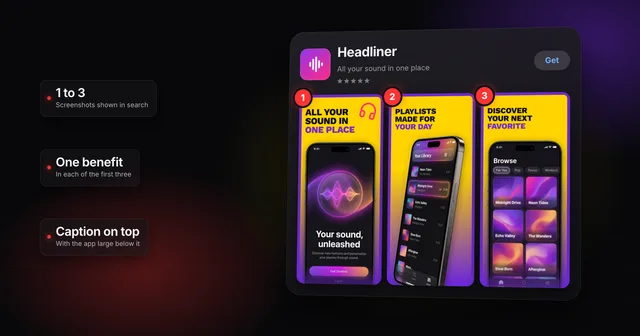 How to make App Store screenshots that actually convertHow to make App Store screenshots that convert: one benefit in each of the first three, captions for people and search, and a layout that stands out.
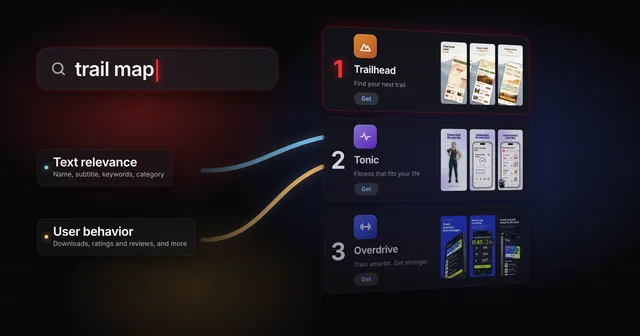 How App Store ranking works (it's not just keywords)App Store ranking from Apple's own docs and search paper: what your title, subtitle and keywords decide, what taps decide, and where a small app has room.
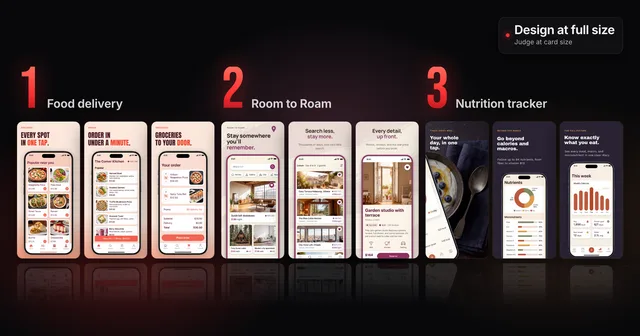 3 App Store screenshot design mistakes (and how to fix them)Three App Store screenshot design mistakes that look fine at full size and fail in search, with before and after captions and a card-size check to run.
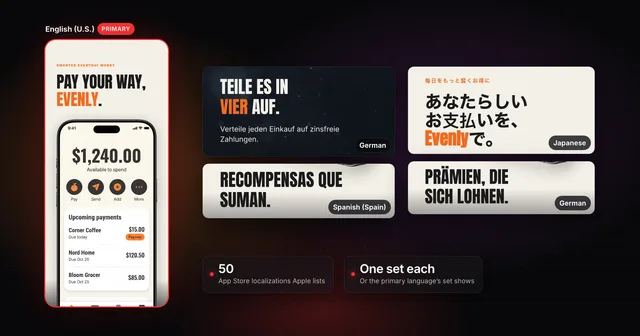 How to localize your App Store screenshotsApple supports 50 App Store localizations. How to add one, upload a screenshot set per language, and fix what breaks in German, Japanese and Arabic.
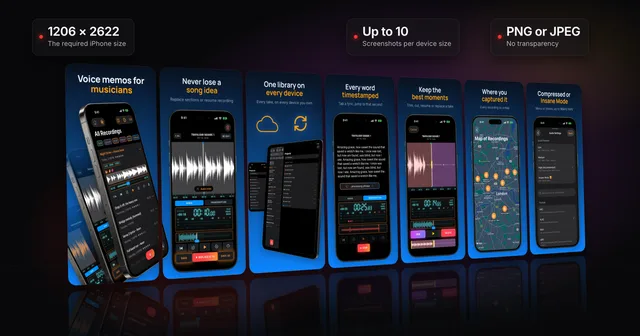 App Store screenshots: the complete guideWhere App Store screenshots appear, the sizes Apple requires now (1206 x 2622 iPhone, 13-inch iPad), the file and review rules, and how to make a set.